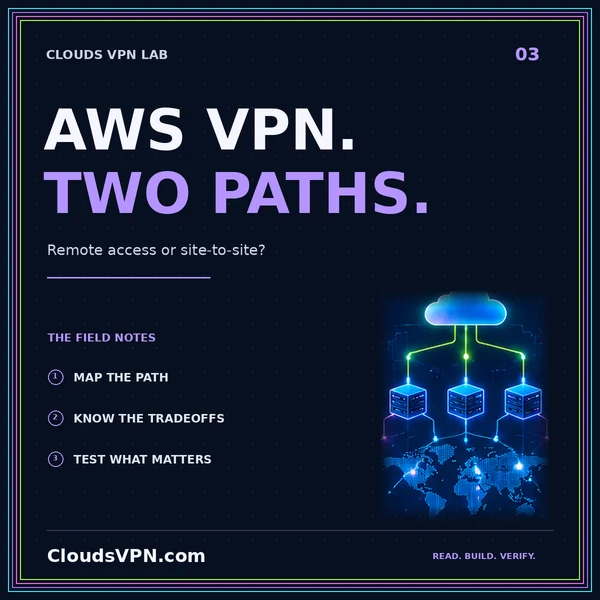
AWS Client VPN vs. Site-to-Site: a deployment guide
Connect individual users or entire networks. Compare access models, DNS, permissions, and costs.
Read the guideThe right AWS path starts with who connects.
Compare individual client access and network-to-network connectivity before configuring private AWS routes.
Conceptual flow. Actual routes and permissions depend on your deployment.
AWS cloud access can serve a remote employee, a branch office, or another environment. AWS Client VPN is a managed client-based service; a site-to-site design addresses a relationship between networks. Choose the connecting endpoint first, then work through identity, routes, destination permissions, and DNS.
Plan remote access around supported clients and the authentication method your team actually uses. Keep the ability to sign in separate from permission to reach a network. Confirm which group can reach each intended destination.
For an office or another environment, map the gateway relationship and return route. Inventory the devices behind the remote network and keep application permissions intact. Network reachability does not identify every human using a device.
Start with staging and a disposable identity. Verify sign-in, private name resolution, routing, and application access separately. Include a destination that must be denied and document configuration owners before broad rollout.
A managed gateway does not remove your responsibility for identity, authorization, destination controls, and operational decisions.
Connect individual users or entire networks. Compare access models, DNS, permissions, and costs.
Read the guidePrivate access or a different internet exit? Map your traffic path before choosing a VPN.
Read the guideStart with the endpoint: individual remote clients usually call for a client-access design; an office network may call for a site relationship. Some environments need both with distinct permissions.
Treat that as a DNS investigation first. Check which resolver answers the name and how clients reach it before widening unrelated network rules.
No. This page is an educational guide to planning AWS connectivity, not a hosted gateway or a provisioning service.