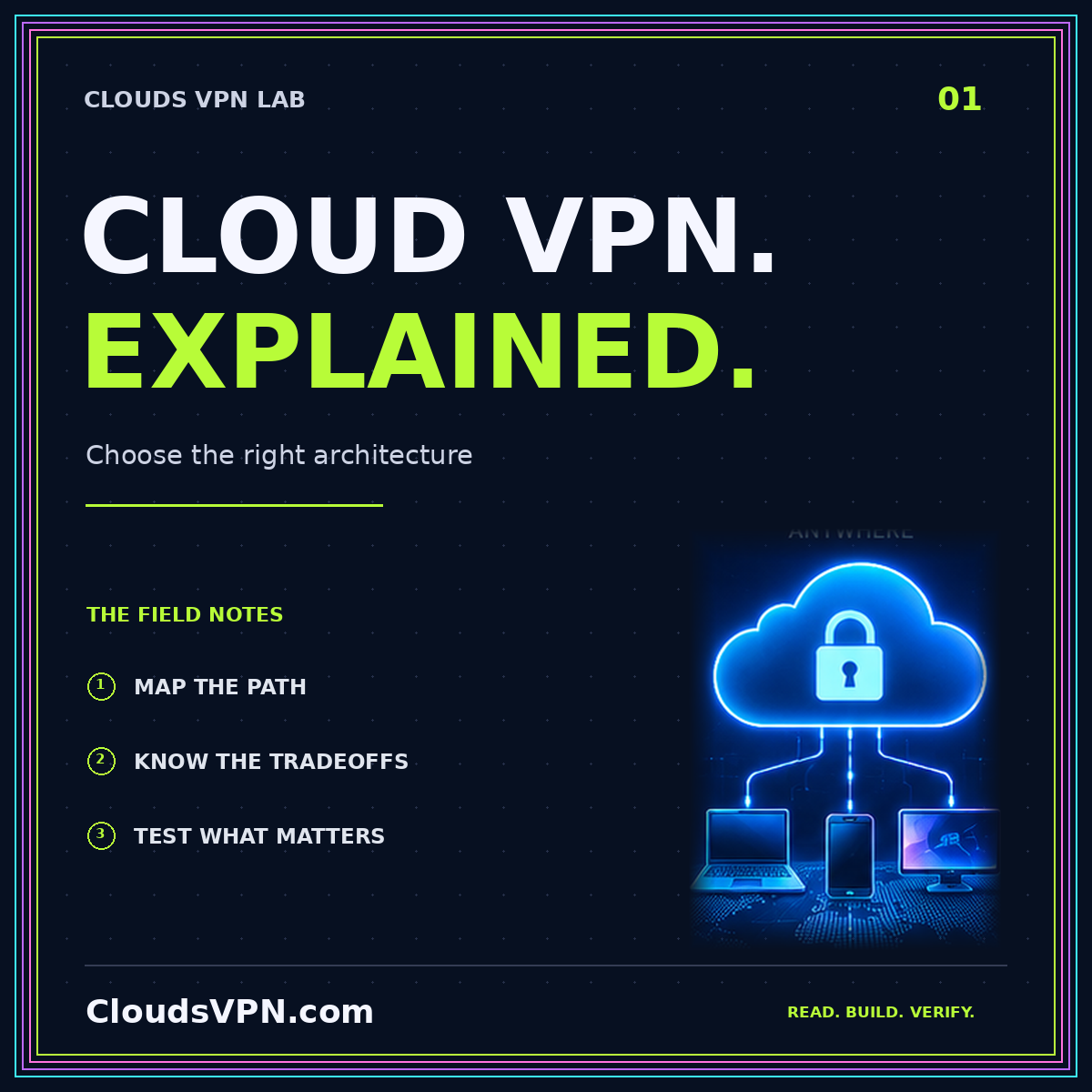
A cloud VPN and a consumer VPN may use similar tunneling technology, but they answer different questions. One often connects people or networks to infrastructure they control. The other commonly routes a person's internet traffic through a provider's exit server. Choosing between them starts with identifying the destination, not comparing a list of impressive-sounding features.
Imagine a developer who needs access to a private database, a household that wants a different internet exit, and a team connecting two offices. All three might search for “cloud VPN,” yet the correct network design, maintenance responsibilities, and privacy expectations differ. This guide provides a decision process rather than treating every encrypted connection as interchangeable.
Start with the journey your traffic should take
Draw a simple path from the device to the resource. For a private application, the path could be laptop, encrypted tunnel, cloud gateway, then internal service. For internet egress, it could be laptop, tunnel, exit server, then the public website. For office connectivity, a router may establish the tunnel on behalf of many devices.
Now mark where the tunnel ends. Traffic beyond that point needs its own appropriate protections, such as HTTPS and application authentication. A tunnel does not make the entire journey private merely because one segment is encrypted. This distinction also explains why changing your apparent public address is different from protecting a private database against unauthorized access.
Write down the intended outcome in one sentence. “Only my managed laptop can reach the staging dashboard” is testable. “Make everything secure” is not. The Clouds VPN overview separates the common architectures so you can translate that sentence into a useful design.
Understand the three common architectures
Remote access to private resources
In a remote-access design, individual devices connect to a gateway that permits access to selected services or networks. This is useful for administration, development environments, and internal applications. The decisions include who may connect, which destinations they may reach, and how access ends when a device is lost or a colleague leaves.
A private route should be as narrow as the job allows. A contractor who needs a preview site does not automatically need the production database subnet. The application should still check identity and permissions after the network has admitted the connection. Network reachability is a doorway, not a substitute for every other lock.
Network-to-network connectivity
A site-to-site design connects networks through gateways. It can support an office reaching cloud workloads without installing a client on every workstation. The design must account for address overlap, routes in both directions, firewall policy, and failure handling. A working gateway does not guarantee that every application path is permitted.
Internet egress through an exit
An egress VPN routes selected internet traffic through an exit server. The destination ordinarily sees the exit's public address for that traffic, but signing in to an account still identifies the account. Browsing behavior, device permissions, and application identifiers remain separate privacy considerations. Choosing an exit is therefore also choosing an operator to trust.
Decide what you are protecting, and from whom
Make a short threat model before selecting a provider or creating an instance. Identify the data, the parties you are concerned about, and the damage that would matter. A home-lab administrator may primarily want to remove an exposed management port. A traveling developer may need a consistent route to an internal service. Neither necessarily needs all internet browsing to leave through a cloud server.
The Electronic Frontier Foundation's guide to choosing a VPN explains why a VPN should not be confused with complete anonymity. Treat that as a boundary on the tool, not a reason to ignore it. A well-defined, limited benefit is more useful than an impossible promise.
Ask what remains observable. Your hosting account, application login, DNS configuration, and gateway logs can each create records. HTTPS still matters after a gateway forwards a request. If your concern is message content, use an application designed to protect messages rather than relying on the network route alone.
Compare self-hosted and managed responsibility
A self-hosted gateway gives you direct control over configuration, peer enrollment, and the instance lifecycle. It also makes you responsible for updates, backups, access recovery, and incident handling. A small monthly server bill is not the complete operating cost. A service that fails while its only administrator is unavailable may be cheap but unsuitable.
A managed cloud gateway changes that division of labor. The provider operates parts of the service, while you still configure identity, routes, authorization, and destination controls. “Managed” should never be read as “all access decisions are made safely for me.” Request clear documentation showing which duties stay with your team.
For a practical ownership comparison, read the VPS gateway planning guide. When evaluating premium options, use the Elite Clouds VPN checklist to compare support coverage and recovery expectations rather than treating a tier name as evidence of security.
Choose split tunneling or a full tunnel deliberately
With split tunneling, selected destinations use the VPN and other traffic follows the device's normal route. This can keep unrelated video calls or software downloads away from a private gateway. It also means the VPN does not protect traffic outside those selected routes. That behavior should be documented rather than surprising the user.
A full tunnel sends the configured default traffic through the gateway. It can simplify a consistent egress policy, but creates additional requirements around DNS, IPv6, gateway capacity, and what happens when the tunnel disappears. Verify both address families rather than assuming an IPv4 route describes the entire device.
Neither option is universally better. Pick the smallest route scope that satisfies your goal, then test it against the applications people actually use. A green connection indicator only demonstrates part of the path. Test the intended service, a prohibited destination, and an ordinary internet request separately.
Budget for the whole connection
List the possible cost categories before comparing alternatives: gateway or instance time, public addresses, outbound data transfer, logging, backups, support, and administrator time. Not every architecture incurs every category. The purpose is to avoid mistaking a headline instance price for the final operating bill.
For a team, estimate concurrent sessions and usage duration separately. For a transfer-heavy workload, estimate data volume and direction. For a personal gateway, decide whether a fixed public address is actually needed. Keep assumptions visible so a later change in usage does not make the original comparison meaningless.
Do not purchase a long commitment until a small pilot passes. The pilot should demonstrate access, acceptable response times, recovery from a restart, and successful revocation of a test device. A reversible experiment is a better first investment than a large deployment designed around an untested marketing claim.
Use a small acceptance test before committing
Create a worksheet with four columns: requirement, test, expected result, and observed result. An access requirement might say that a development laptop can reach staging but not production. A privacy requirement might say that the configured DNS queries follow the intended resolver path. A recovery requirement might require reconnecting after the gateway restarts.
Run the same tests with the tunnel connected, disconnected, and reconnecting. Include a second network, such as a mobile hotspot you control, when that reflects real use. Save configuration versions without private keys so another administrator can understand what was tested and restore a known-good state.
Also test a negative case. Remove a disposable peer and verify that it cannot reconnect. Ask a colleague without the required permission to attempt the protected application. These checks expose differences between a design that permits useful work and a design that merely lets every connected device travel everywhere.
Conclusion: choose the architecture before the label
The best starting point is a clear traffic path and a specific access goal. Use remote access for individual devices reaching private resources, network-to-network connectivity for appropriate site relationships, and an egress VPN when a different internet exit is the actual requirement. Then decide who operates the gateway and how you will test its limits.
Clouds VPN is a useful umbrella topic, not a guarantee of speed, anonymity, or effortless security. A modest design with documented routes, revocable access, and a practiced recovery process is more valuable than a complicated deployment whose owners cannot explain what happens when it fails.